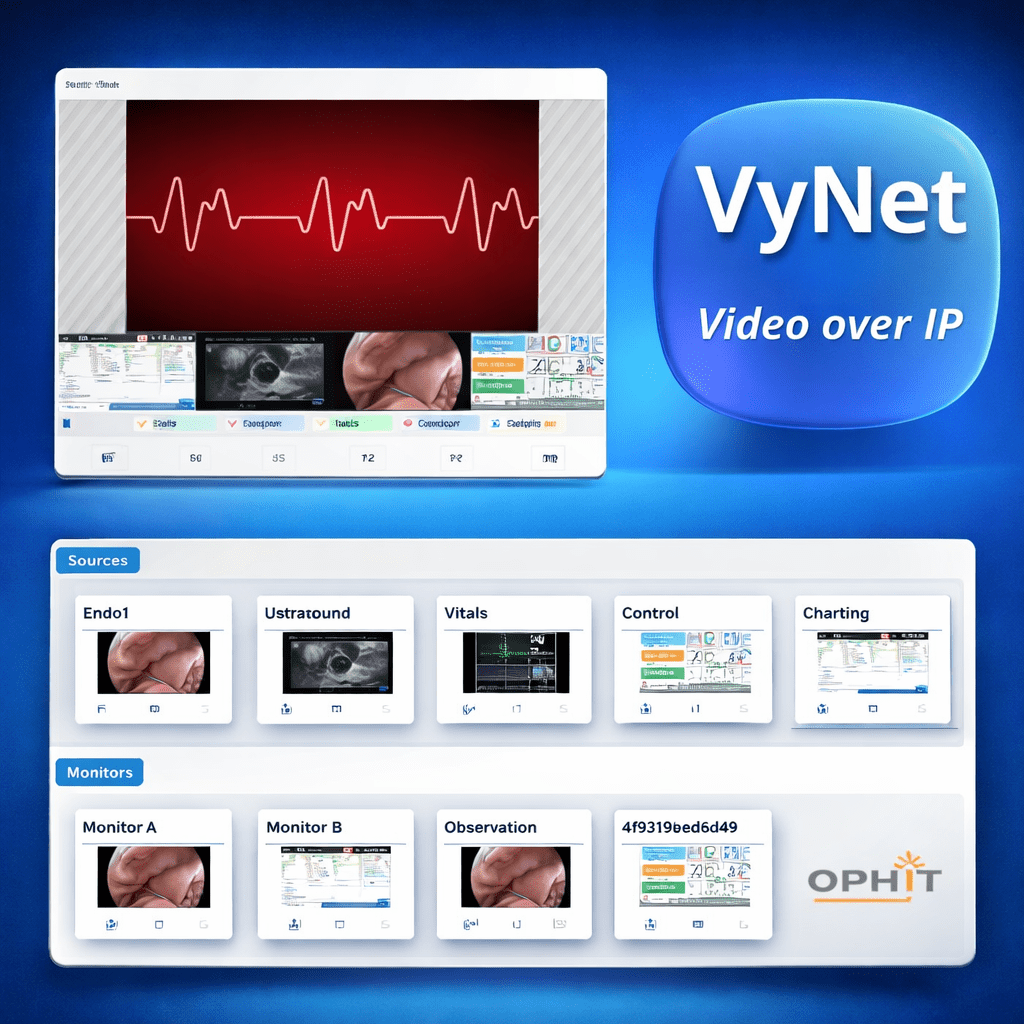
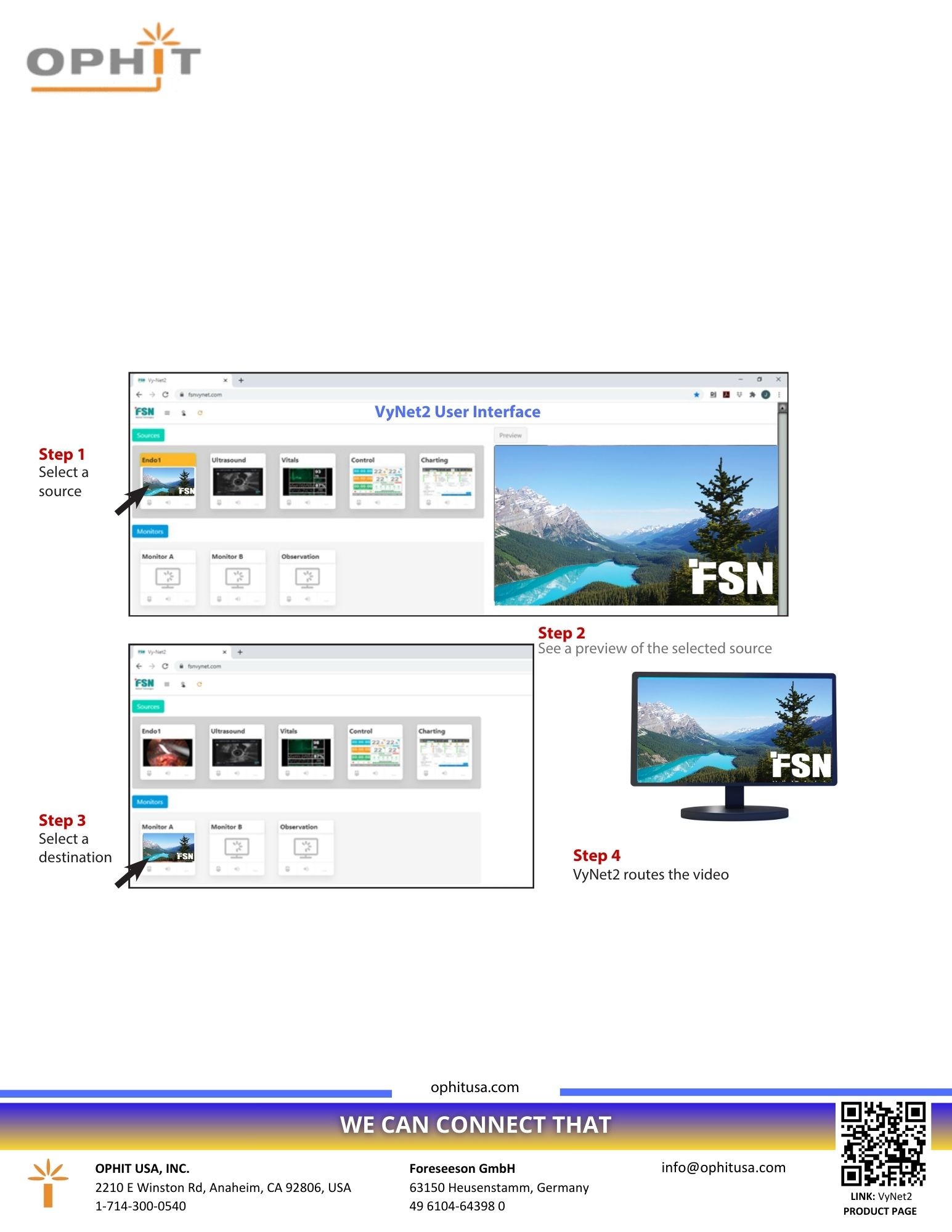
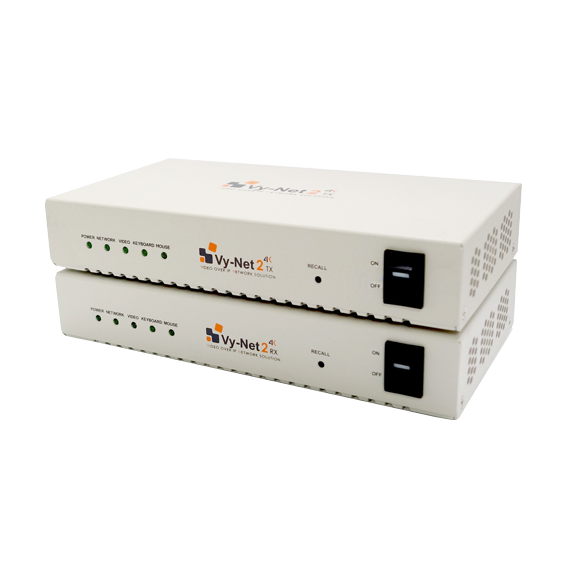
The interface routes sources to monitors or creates a video wall, up to 4K@60 fps video, and allows naming of sources and monitors. A web-based interface helps with initial setup, and controls the daily use of VyNet 2 devices. The interface also has a library of icons for customization, and offers resizing/repositioning of picture-in-picture or multi-view layouts.
Audio and KVM functions are available. VyNet 2 units are powered by the included power supply. Other requirements include a Wi-Fi router, recommended Cat6a/Cat7 cable, and a 10Gb network switch.
Customizable interface (branding, icons…) See FSN design shown in the online demo.
VyNet 2 – Basic Controls
(see IFU PDF manual below for further details)
Note: Clicking, not dragging, is not used for basic routing. In testing, users were more successful using simple clicks.
How to use
Select a source
Click on the desired source(s)
Assign to a monitor
Click on the monitor → The selected source(s) will display on that monitor
Preview a monitor
Click on any monitor to open the preview
Adjust layout (in preview window)
Drag the edge of the source window to resize (move cursor between source windows until gray bar is shown. Once gray bar is visible, drag to size the image.)
Drag and drop the source window to the desired area
Customizable and present layout buttons are below the preview window